Home › Ultra Thunder Backend
Ultra Thunder Backend and Admin Panel
The admin page is where the Ultra Thunder business is managed. Players see the reels; you hold the controls behind them.
Tasks you handle from the panel
Player setup
Create a name and password, save, and give them to the player.
Recharge & redeem
Credit in on payment, credit out on cash-out.
Records
Trace any credit move and keep your own totals right.
Admin login vs agent login
Spinning up agents takes the highest Ultra Thunder account. Agent accounts manage players and nothing more. Say how many players you expect and we suggest a tier.
Keeping credits topped up
Your balance is prepaid. Credits dwindling? One message and a prepayment refill the same account. Rates shift with volume, so we send them privately.
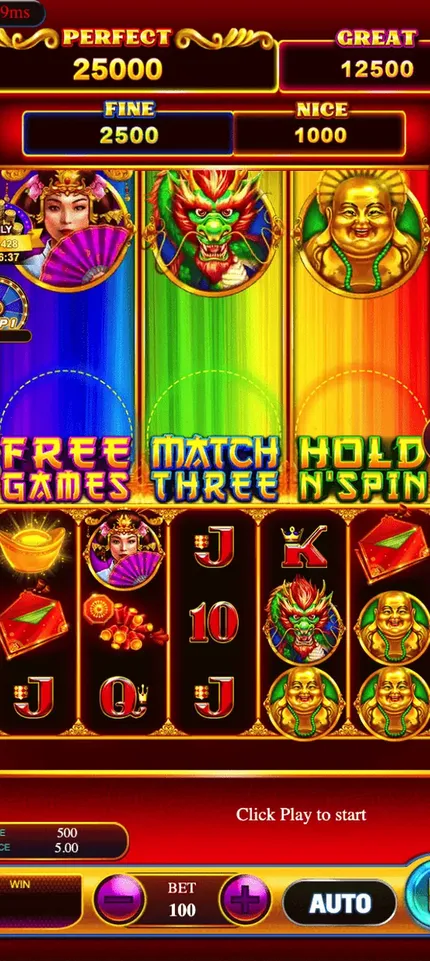
Ultra Thunder game specs
What resellers ask before opening an Ultra Thunder account.
System specs
| Category | Play-at-home |
| Platform | Cloud backend, browser panel |
| Player apps | Android, iOS |
| Billing | Prepaid credits only |
| Average theoretical hold | 20–49% |
| Account levels | Distributor, sub-distributor, agent |
Game count
Backend features
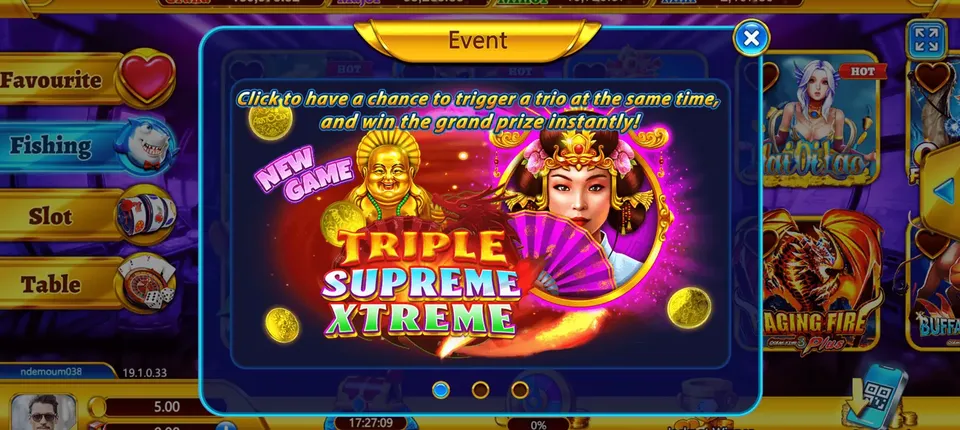
- Bright, fast slot reels
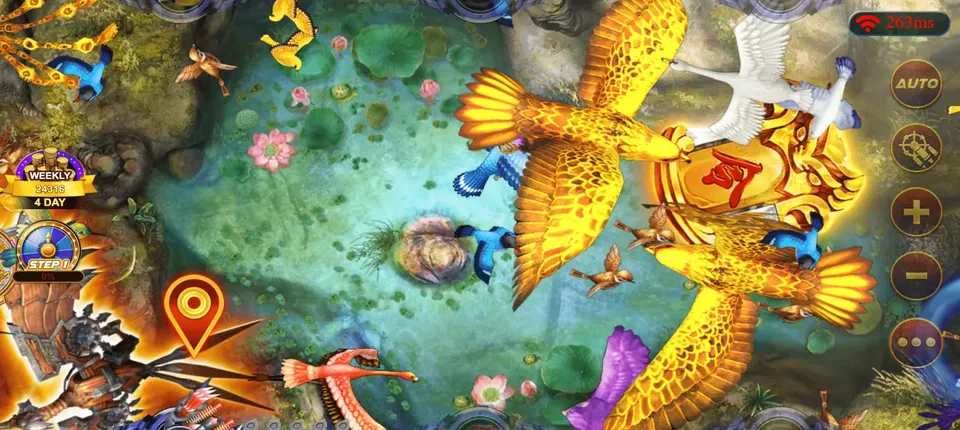
- Fish tables and quick draws
- A login for each helper
- Create players, recharge and redeem in seconds
- Transaction history and reports
- Works on phone, tablet or PC
Access links
Player download: ultrathunder.mobi
Agent panel: fmubk.ultrathunder.mobi
Your account details follow once you pick a tier.
Tour of the Ultra Thunder admin page
The admin page opens in a browser behind a username and password. Up top is your credit total; below are your accounts with a search bar for names. Menu items cover new players, credit in, credit out, logs and password changes. Nobody sees accounts outside their own branch.
Set up a player
Choose the new player option, enter a username and password and save. Their login works in the app right away.
Credit in
After a player pays you, search their name, type the amount and confirm. Their total climbs and yours falls by the same number.
Credit out
For a cash-out, take the amount off the player. It comes back to you and you settle with them as arranged. The log keeps both entries.
Password changes and freezes
Forgotten passwords are fixed in seconds. Accounts that look shared can be frozen from the same page.
Distributor account versus agent account
The distributor account spins up agents and sends them credits. An agent account keeps all player tools but cannot add agents. Choose the higher tier only if you will stock other resellers.
Reading the logs
Each credit move is time-stamped. Filter by username or date to settle any disagreement quickly, and keep a short list of your own to compare at closing time.
Account safety
- A long, unique password.
- One account per helper.
- A daily glance at the logs.
- A quick message to us if your password may have leaked.
Rehearse everything in your zero-credit account first, then read the app guide or the FAQ.
Run by Gamebridge API
Need more than Ultra Thunder? Our main site lists every title we carry, Ultra Thunder among them.